
Having Audio Issues at your Gig?


As a DJ, one of the most frustrating things that can happen during a gig is dealing with audio issues. Whether it's a buzzing sound coming from your speakers or a microphone that suddenly stops working, audio troubles can disrupt your performance and ruin the atmosphere of your event. But don't worry, with some simple troubleshooting tips, you can minimize the risk of audio issues and keep your gigs running smoothly.
1. Check your DJ console and cables: Before you start your gig, make sure that all your DJ console and cables are properly connected. Check for loose cables or any other signs of damage. It's best to invest in a professional DJ controller and high-quality cables to minimize the chances of damage and keep everything well taken care of before and after each gig.
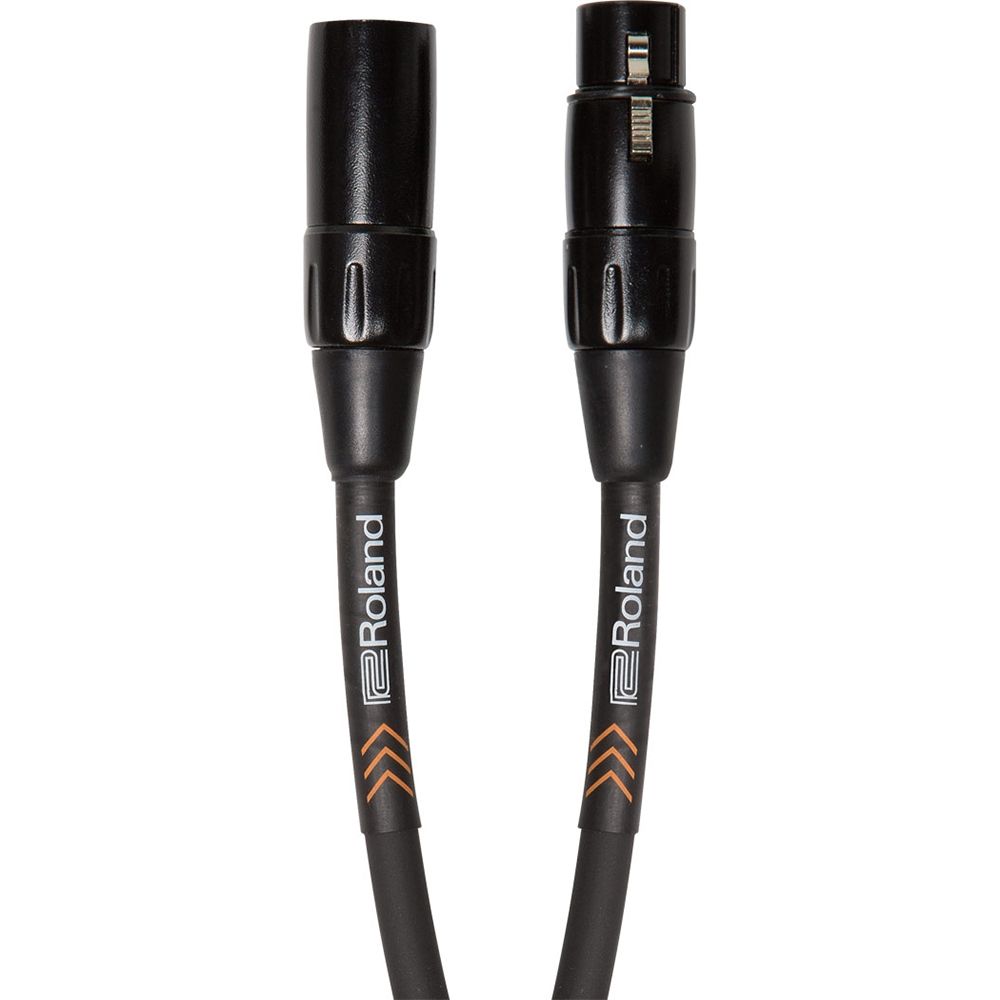
Pictured: Roland RMC-B10 10Ft XLR Cable
2. Test your equipment before the gig: It's always a good idea to test your equipment before you start your gig. This will give you an opportunity to identify any problems and fix them before your event starts. Whether it’s at home a few hours before or even doing a soundcheck right before, it’s important to give yourself enough time to troubleshoot any issues.
3. Invest in good DJ equipment: Having high-quality DJ equipment can help reduce the chances of audio issues. Look for DJ bundles or DJ equipment stores that offer a wide selection of gear, such as the new Pioneer DJ controller or Astro AVL. Grabbing gear for cheap may seem like a good idea but sometimes it’s a case of you get what you pay for. Staying up to date on software and hardware is incredibly important as well. Finding out any issues with the newest professional dj controller or even helpful tips on how to better utilize it is incredibly important.
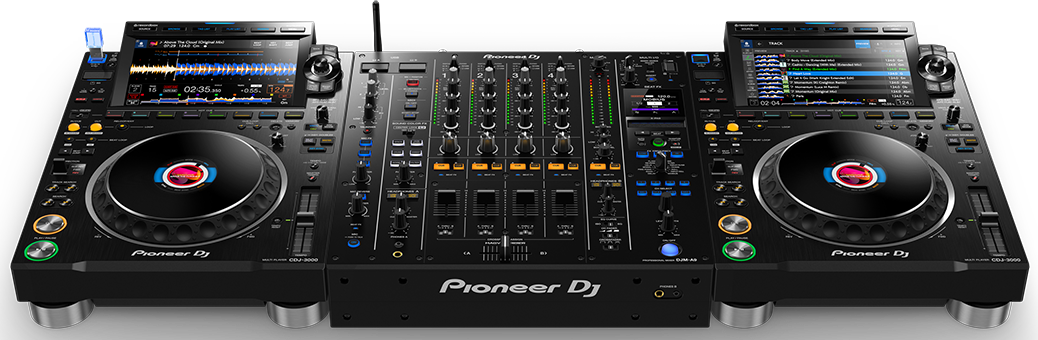
Pictured: Pioneer CDJ-3000's & DJM-A9 (Call to reserve yours!)
4. Take advantage of DJ tips: There are many DJ tips available online that can help you troubleshoot audio issues. Look for tutorials and articles that cover common audio issues and how to fix them. Connect with other DJ’s and attend events like the ones at AstroAVL where they feature lighting workshops, DJ Lessons, and host DJ tutorials on their DJ Website.

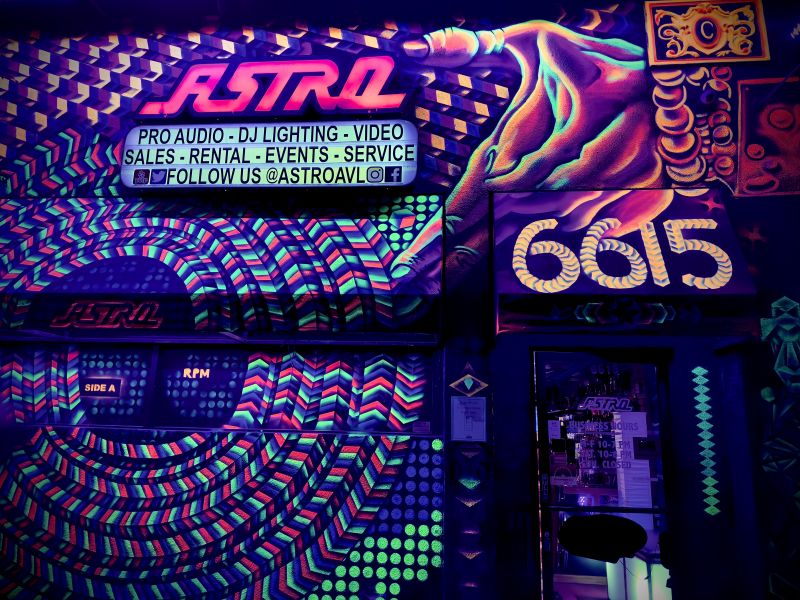
5. Visit a DJ store: If you are having trouble troubleshooting on your own or you need help with your gear, you can visit a DJ store such as the DJ store Los Angeles, AstroAVL. They will be able to diagnose and fix the problem, or recommend new gear if needed by offering DJ repairs, DJ rentals and selling new DJ gear.
By following these tips, you can minimize the risk of audio issues during your gigs and ensure that your performances run smoothly. Remember, taking the time to properly set up and test your equipment before your gig can save you a lot of headaches down the road.
March 2, 2023
|
View: 784
|
Categories: DJ Tips
|
Tags: DJ Tips and Tricks, Beginner DJ, DJ Gig
|
By: Admin
About the Author




Communication is Key!
September 5, 2023
Mastering the Club DJ Setup
July 27, 2023
Cable Management for DJs
September 5, 2023
You Gotta Adapt!
September 5, 2023
Mastering the Basics
July 11, 2023
Communication is Key!
September 5, 2023
You Gotta Adapt!
September 5, 2023
Cable Management for DJs
September 5, 2023
Mastering the Club DJ Setup
July 27, 2023
Break it Down with Serato Stems!
July 27, 2023
Comments